How to add a new Block Collection
To install your new block collection, you’ll first need two pieces of information:
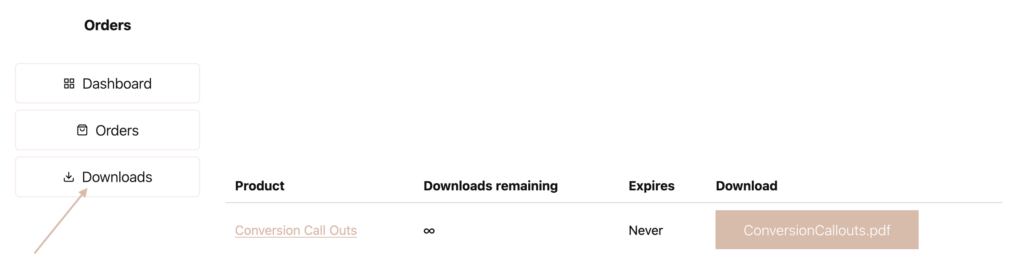
Connection URL in the PDF in the “Downloads” section of your account.
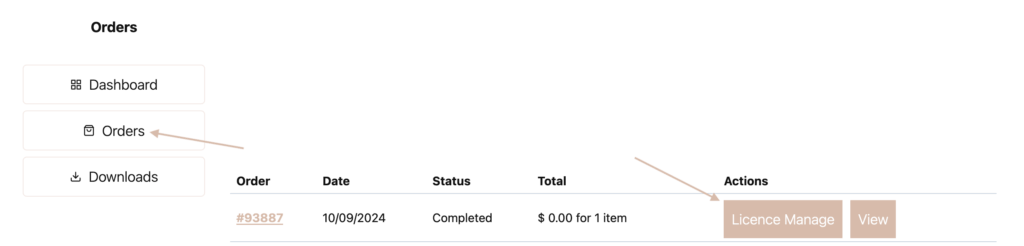
Connection Access Key in the “Order” section of your account.
- Confirm that the Kadence AI Starter Templates plugin is installed and activated.
- Open an existing page on your site.
- Click on the “Design Library” button at the top.
- Click on the + to add the new collection.
- In the Connection URL field, copy/paste the link URL link from the PDF.
- In the Connection Access Key field, paste the Licence Key copied from your account.
- Click the “Add Connection” button.