CPDS – How to Share a Palette
Step-by-step Guide:
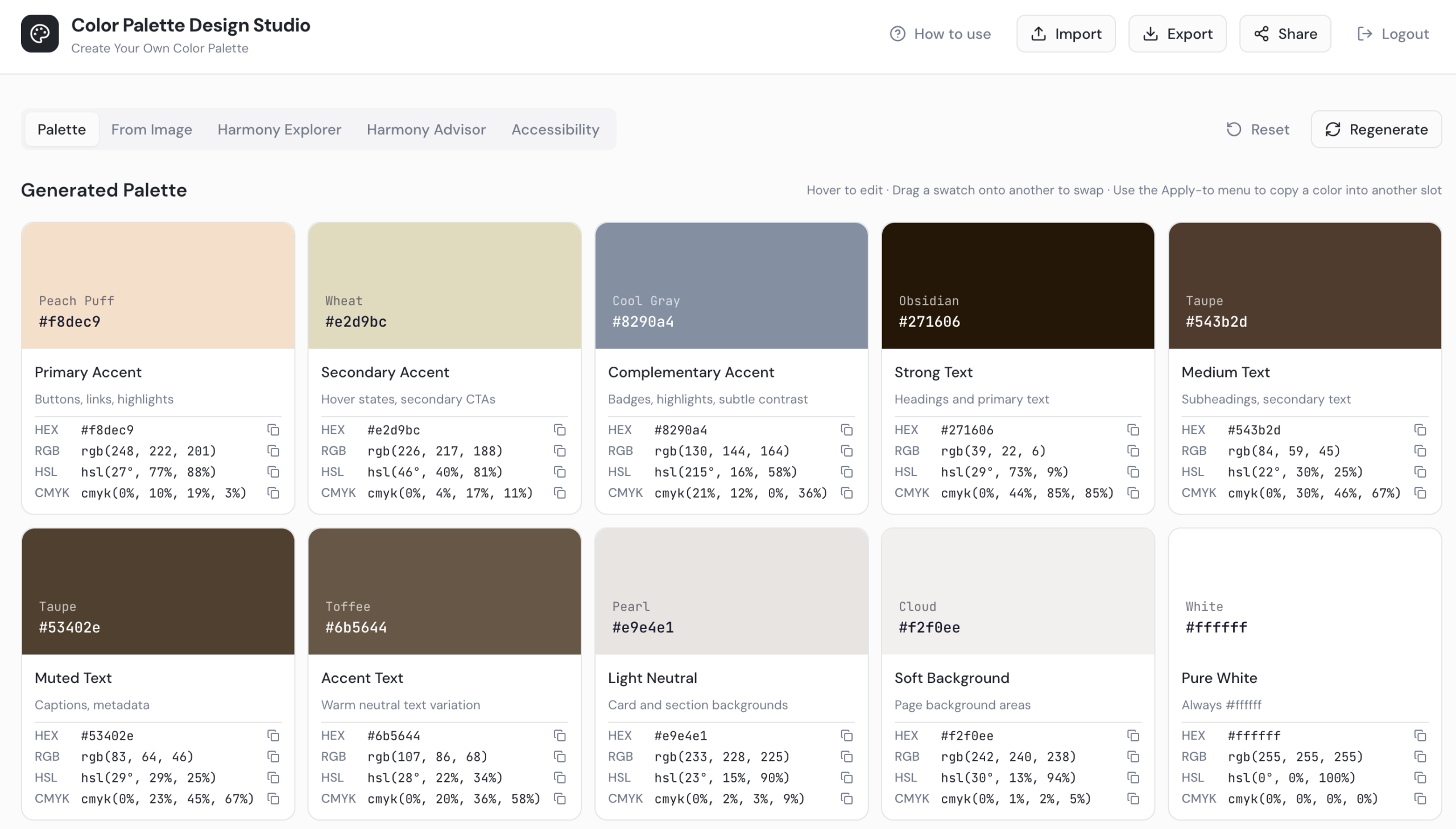
- Open your color palette in the Color Palette Design Studio.
- Click the Share button at the top of the screen. A shareable link will be generated.

- Copy the link and send it to your client. They do not need a password to access the palette — it opens immediately.
- Your client will be able to see the full palette including all tonal/coordinating colors and all accessibility standards for the color scheme.